Docs
Install + first scan
Add Metaspry to Chrome and run your first meta-tag audit in under a minute - no account, no setup and nothing to configure.
Last verified against the web app (547aebd) and extension 1.0.27.
Install
Open the Chrome Web Store listing and click Add to Chrome. The extension installs immediately; no account required.
Open the side panel
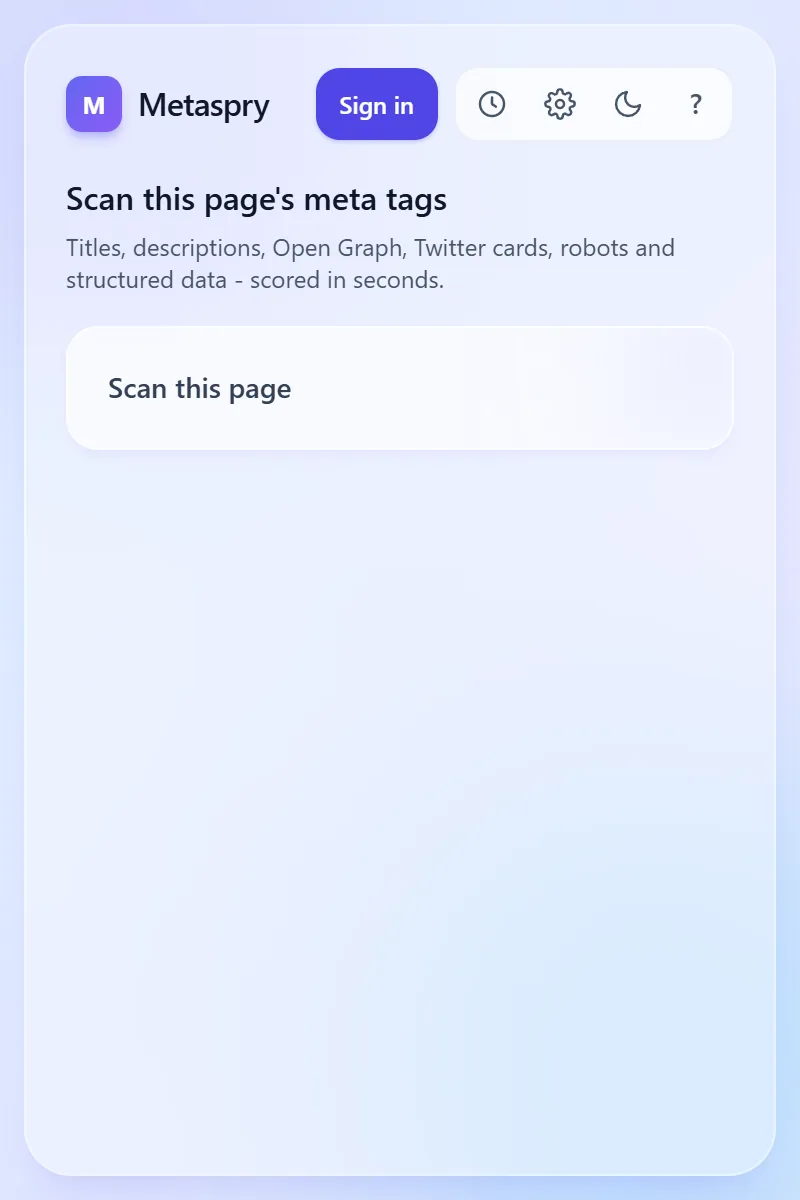
Pin the extension to your toolbar (Extensions menu -> pin icon). Click the icon. The side panel opens on the start screen.
Run your first scan
Click Scan this page (labelled Get Meta Tags in 1.0.25) to scan the active tab. The results have six tabs:
- Tags - every
<meta>element on the page, categorized. - Previews - how Facebook, Twitter, LinkedIn, Discord, Slack, Google SERP, and iMessage will render the page.
- Audit - weighted 0-100 score across 19 rules. Signed in, a Last scan line under the score links to Open what changed in the web app when you have scanned the page before (extension 1.0.27 and later).
- Site - robots.txt, sitemap.xml, llms.txt fetched from the page’s host.
- AI - AI-readiness (AEO) checks: AI crawler access in robots.txt, headings, structured data, author and date, llms.txt.
- Compare - enter another URL and see its tags side by side with this page’s. See Compare scans.
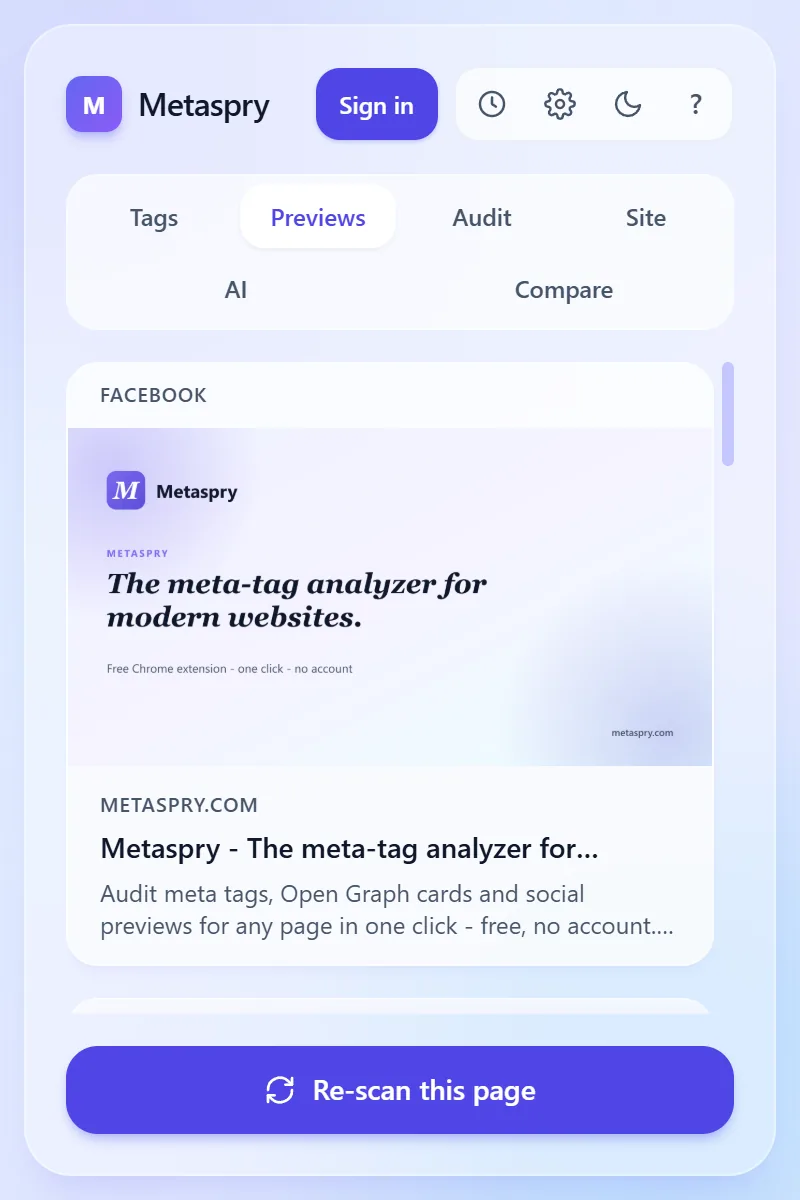
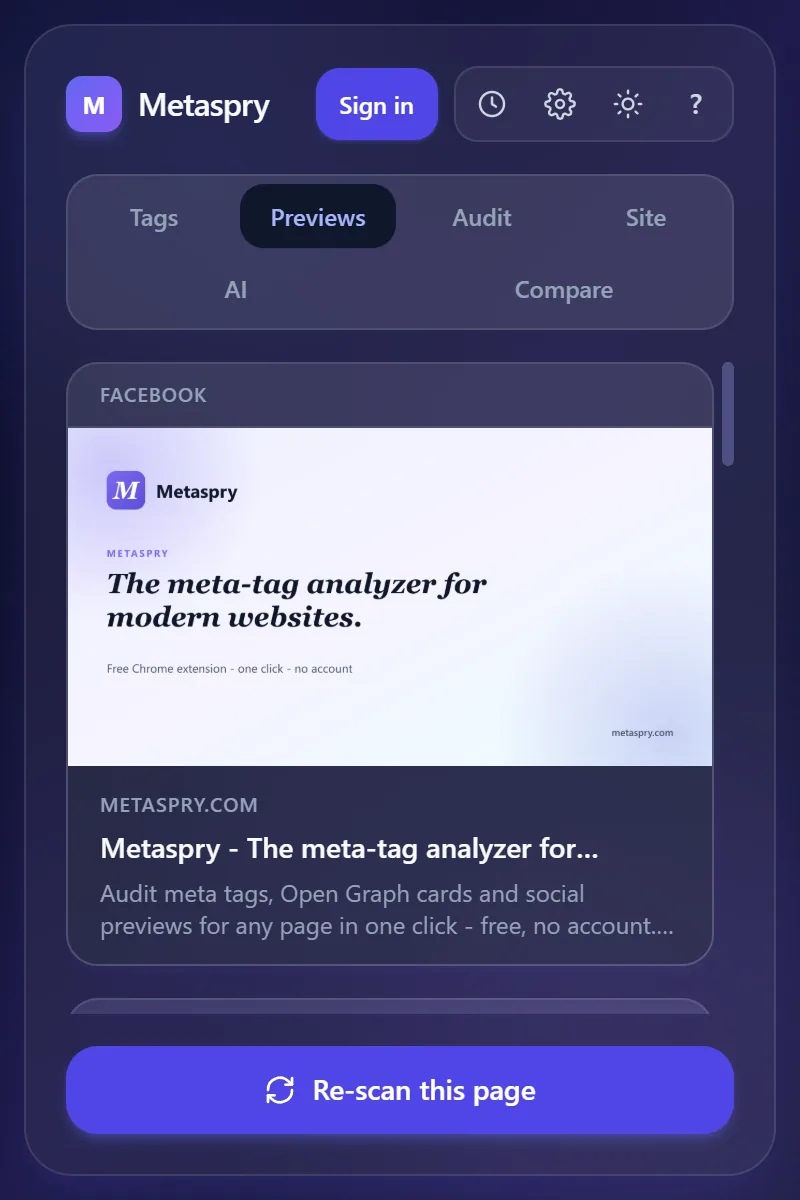
Number keys switch tabs; see Keyboard shortcuts.
Pin tags across pages
Click the star icon on any tag card. Pinned tags sort to the top of the Tags tab on every subsequent page you scan. Useful for tracking the same key across a multi-page audit.
Scan again
Re-scan this page under the results (labelled Re-scrape this page in 1.0.25) or the r key scans the page again.
History
The History button in the header lists your last 10 scans on this device; click one to open it in a new tab. Clear empties the list (from 1.0.27 it asks you to confirm first).
Side panel or popup
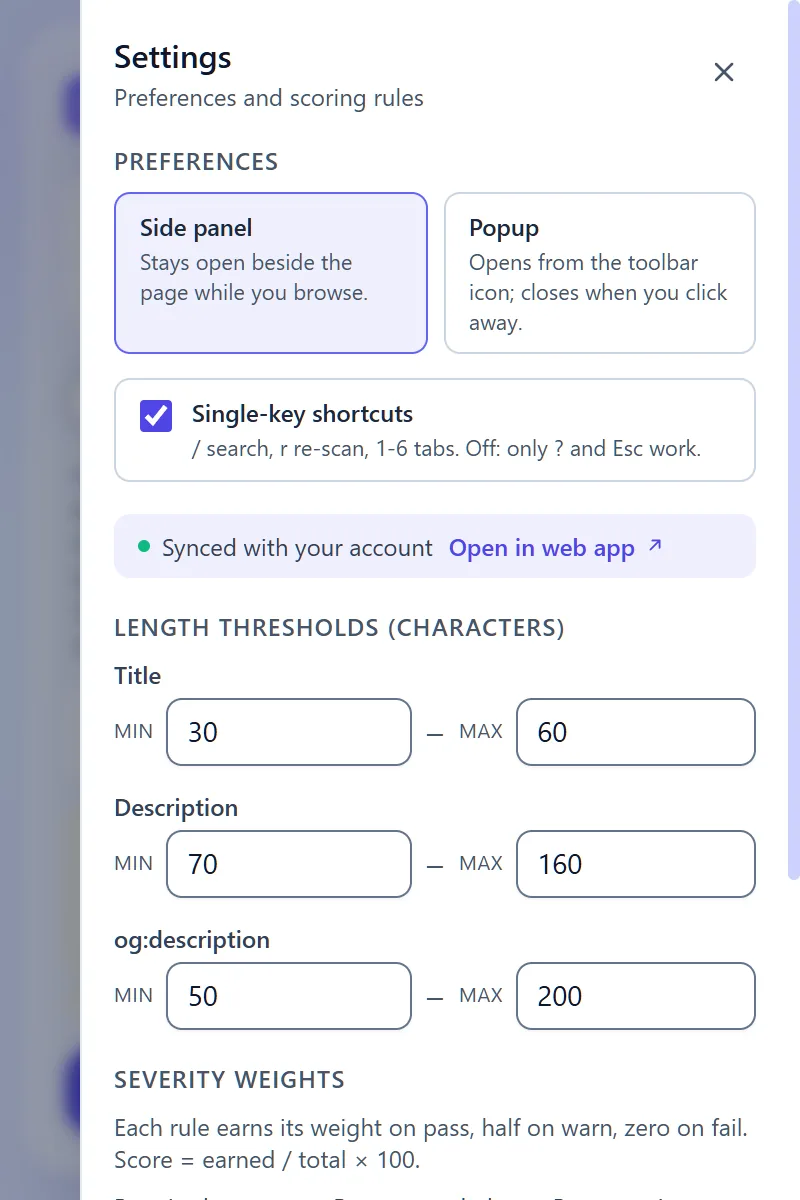
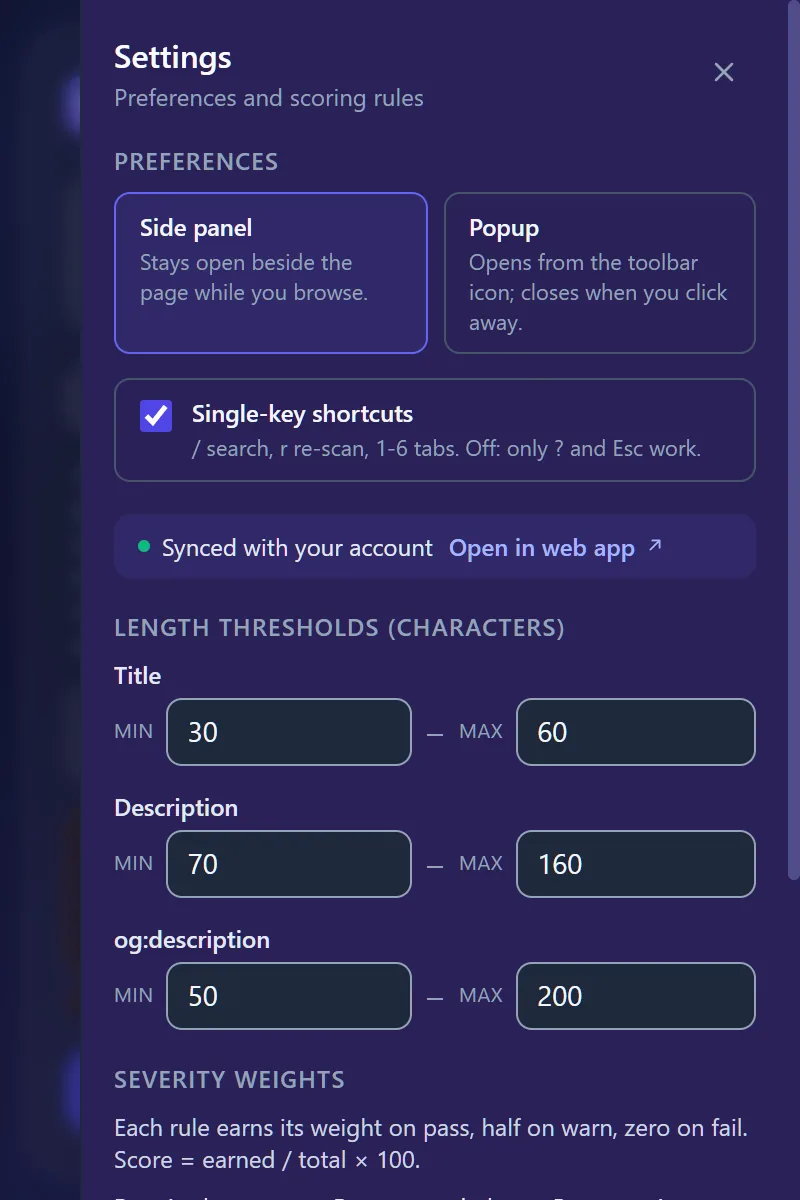
Open Settings (the gear icon) > Preferences > Surface to switch between the side panel and a popup (extension 1.0.27; earlier versions show the switch in the header).
Next steps
- Read Audit rules to understand each score line item.
- Read Site files for how the robots/sitemap/llms detection works (including sitemap-index expansion).
- Sign in from the header with a free Metaspry account to sync scans to your cloud history, then see the Web app overview.