Docs
Cloud sync
How a free account keeps your recent scans in the cloud and turns any scan into a shareable link - and what Pro adds on top.
Last verified against the web app (547aebd) and extension 1.0.27.
The free Chrome extension is local-first. Every scan stays in your browser, and the extension keeps your last 10 scans on the device. A free Metaspry account adds a cloud layer on top of that local store so your history follows you across machines and your scans become shareable; Pro lists more of that history.
Cloud history
Signed in, scans sync to your account instead of living only in the 10-entry local list. Open the web app on any device, sign in, and your history is there, searchable by title and URL. Nothing changes about how you scan; the extension simply keeps the cloud copy in step with what you run locally. A free account lists your 10 most recent scans in the cloud; Pro lists your 50 most recent.
What the numbers mean. Metaspry keeps one scan per URL: scanning the same page again replaces it. When the page changed since the previous scan (its tags, rule results or score), the earlier copy is saved as a version, up to 20 per URL, so you can compare them in the app. The history page lists your 10 most recent scans on a free account and your 50 most recent on Pro; scans beyond that are not listed there.
Compare and save
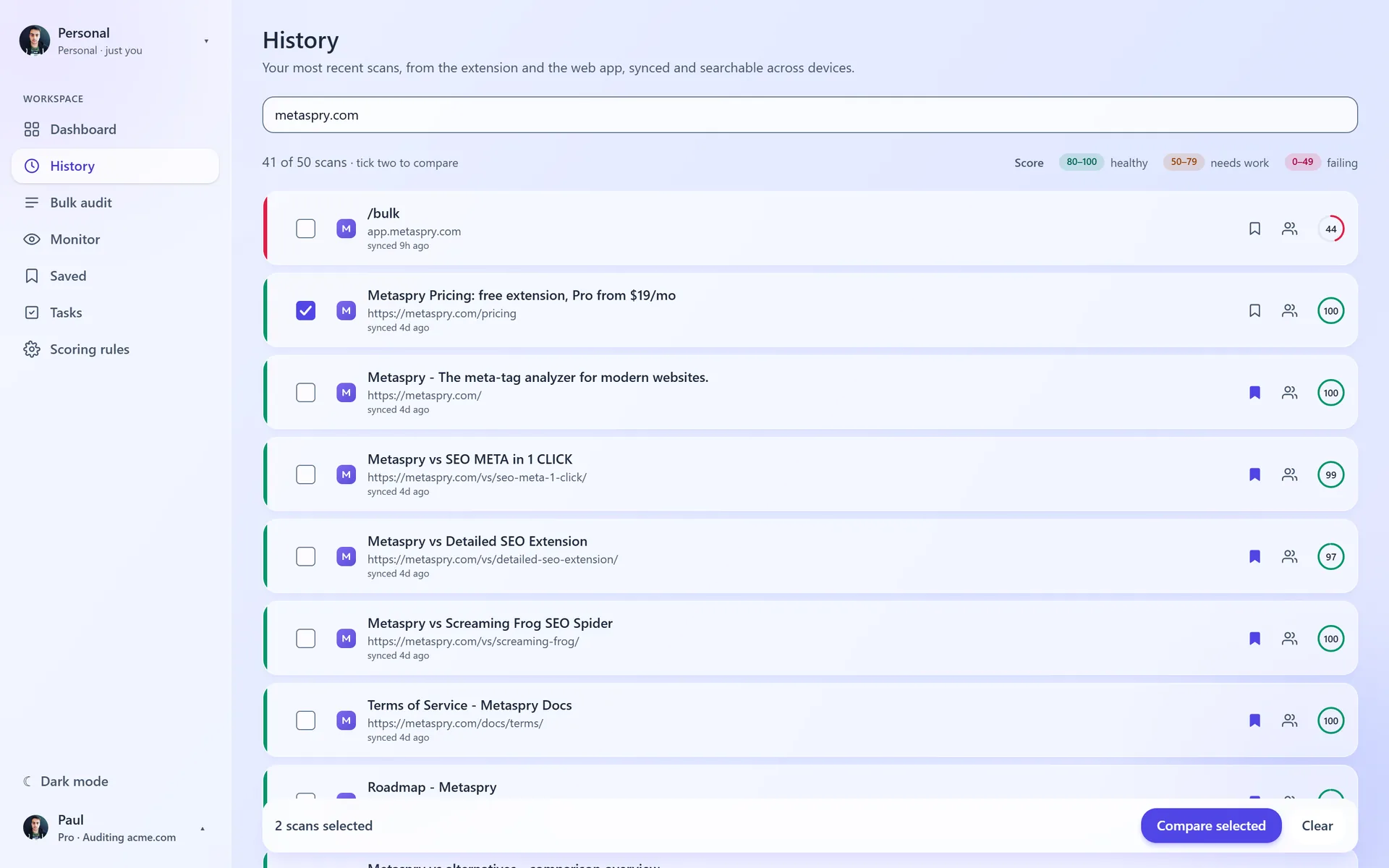
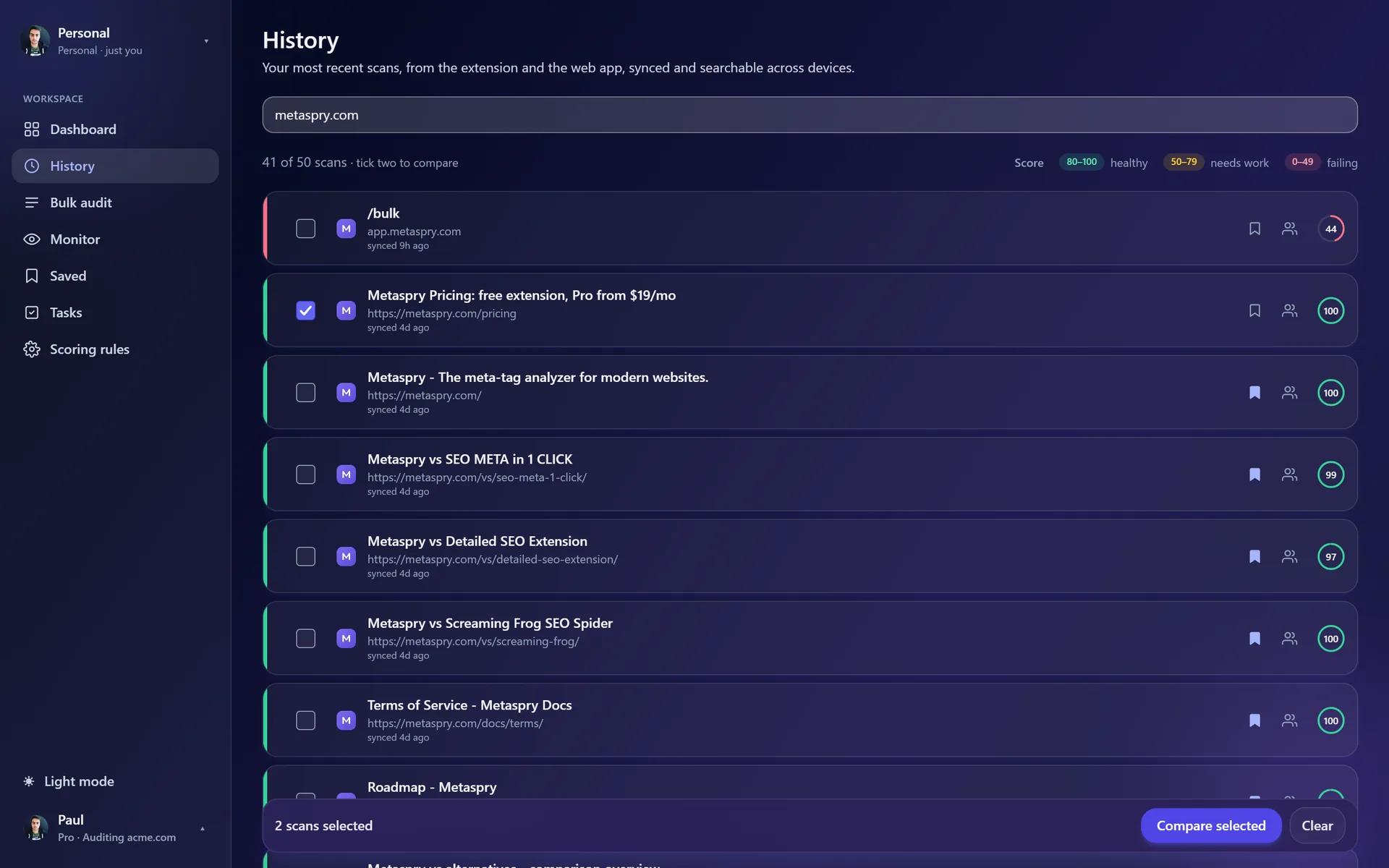
Tick two scans in History, or open a scan and choose Compare with…, to see what changed between them: the score, the tags and the rules side by side. A scan page shows a Changed since card when an earlier version of that page exists. Saved keeps scans in folders you name. Both are on every plan, including a free account. See Compare scans and Saved folders.
Shareable scan snapshots
Any scan can become a public link of the form metaspry.com/s/<id>. Send it to a client, a teammate, or a developer and they see the score, the rule breakdown and the page’s share image, without installing anything or signing in.
Snapshots are read-only point-in-time captures. Re-running the scan later does not change a link you already shared, so the URL always shows the state at the moment you shared it. Links expire after 90 days, and you can revoke one from your Profile at any time.
How it fits with the free extension
- Free: scans live on your device via local storage, last 10 kept, nothing leaves the browser except the per-scan site-file fetches described in Privacy.
- Free account: the same scans also sync to your account - the 10 most recent are listed, any of them can be shared as a public snapshot link, and the web app scans any URL or runs a light bulk audit (5 scans a month, 10 URLs per batch; a batch counts as one).
- Pro: your 50 most recent scans listed, plus bigger bulk audits, daily monitoring with email and Slack alerts, tasks and custom scoring.
Signing out reverts the extension to local-only behavior. Your cloud history stays in your account, untouched, until you sign back in.
Related
- Scan a URL - audit any page straight from the web app
- Drift monitoring - re-check monitored URLs daily and alert on score drops
- Privacy - what the extension sends, where, and why