Docs
Bulk URL audit
Audit up to 1,000 URLs per run - paste a list or add a sitemap, audit in batches, Continue where you stopped, and export CSV.
Last verified against the web app (547aebd) and extension 1.0.27.
Bulk URL audit lives in the web app, on every plan (a free account runs small batches). Instead of scanning one page at a time, you hand Metaspry a list of URLs and it audits all of them, then rolls the results up into one place.
Starting a run
In the web app, open Bulk audit and pick a tab:
- Sitemaps - add a sitemap, or just the site’s address: Metaspry finds the sitemap through robots.txt and the usual paths (including a sitemap index). The sitemap is tracked as one card that shows how much of the site you have audited.
- URL list - paste up to 1,000 URLs, one per line.
A run keeps up to 1,000 URLs and audits them in batches: 10 at a time on a free account, 200 on Pro, 300 on Team. The first batch starts right away; Continue audits the next one whenever you like, from any device, and the dashboard’s Continue auditing list takes you back to a sitemap you left part-way.
Live progress
While the run executes you see live progress - which URLs are done, which are in flight, and the score for each as it lands. You don’t have to wait for the whole batch to start reading results.
What you get per run
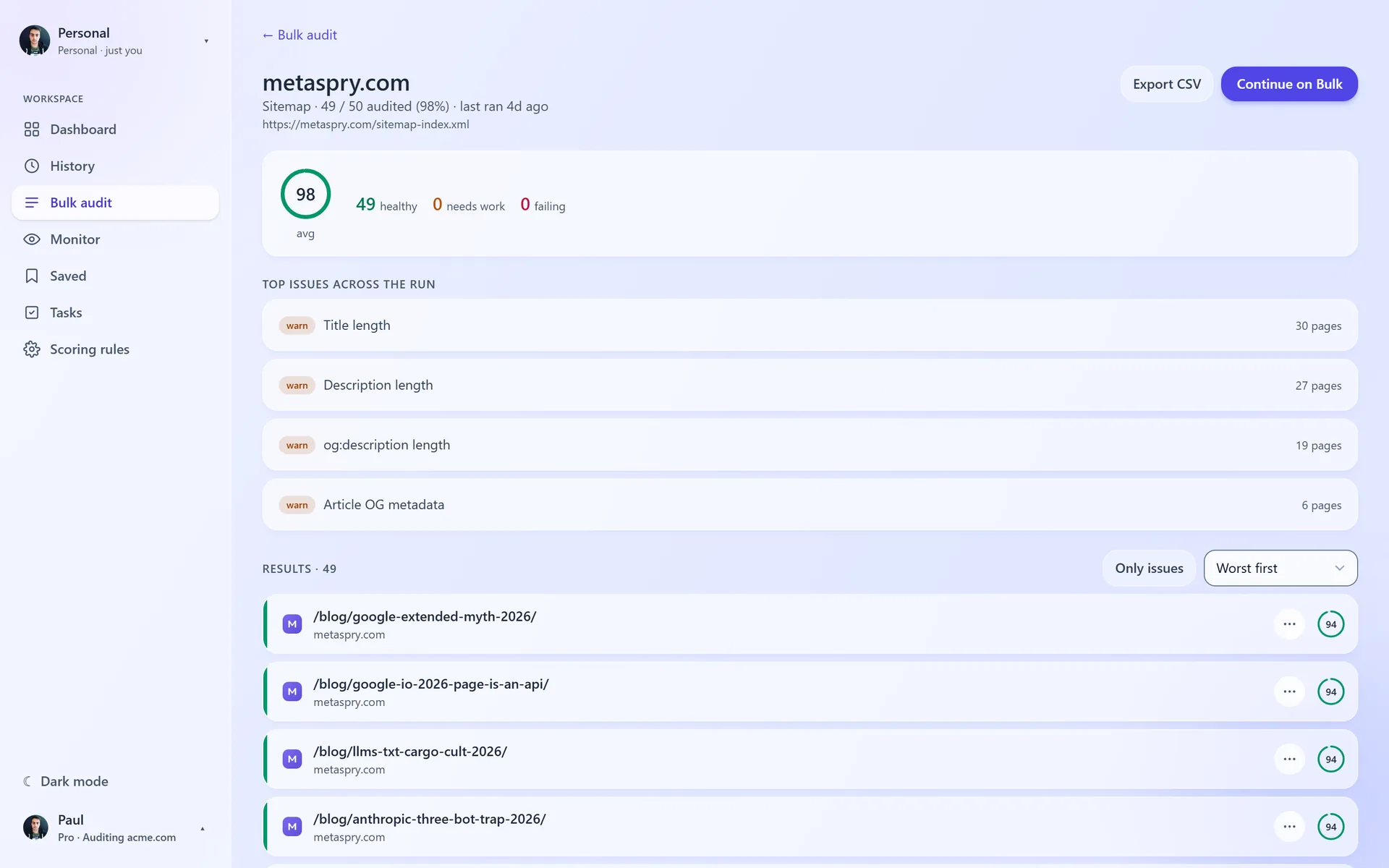
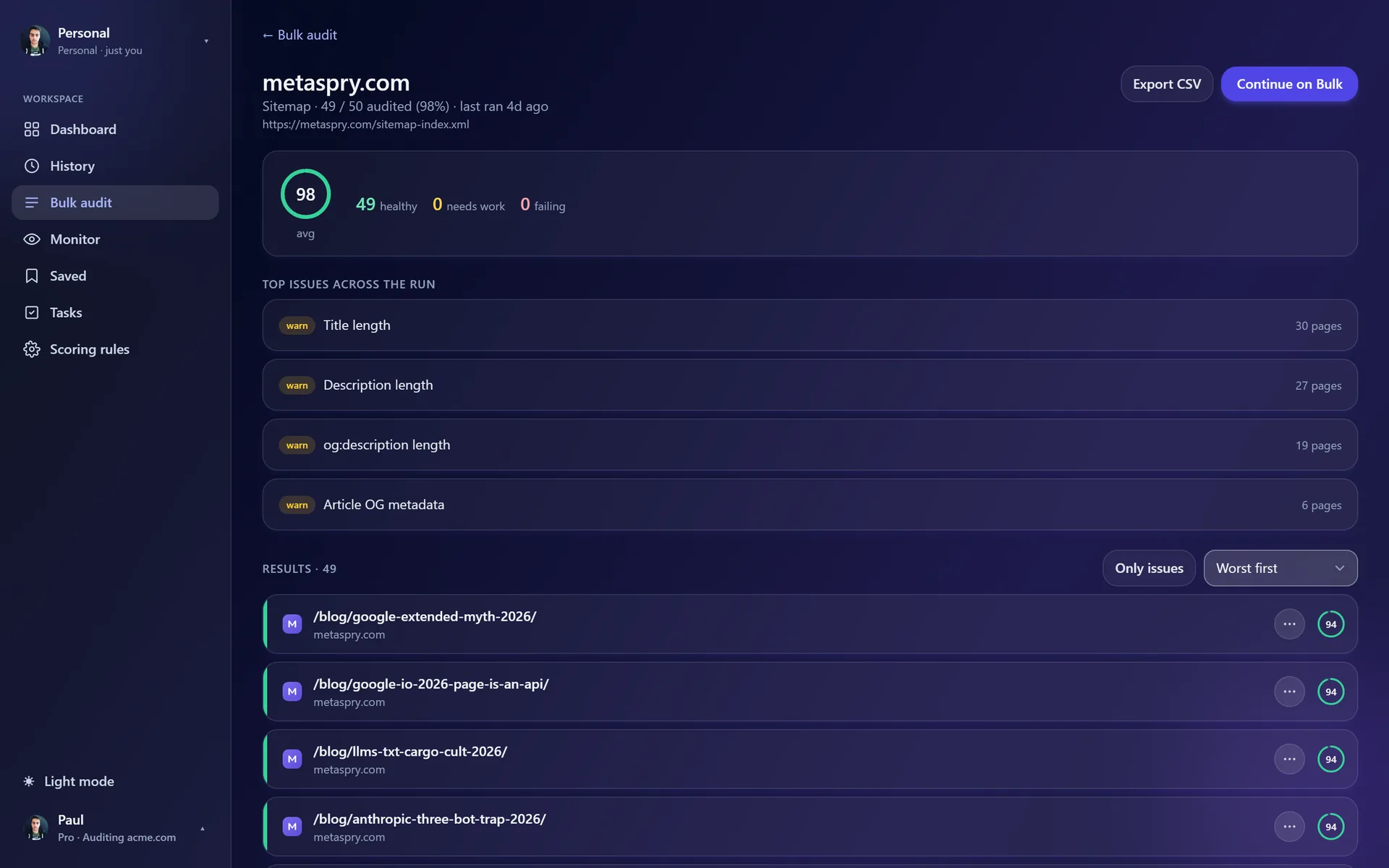
- Score per URL - the same weighted 0-100 audit the extension runs, on every page in the batch.
- Top issues - the rules that failed or warned most often across the run, so the most common problems rise to the top.
- Sort and filter - worst first, best first or by URL, with an Only issues toggle.
- CSV export - download the entire run as a single CSV (url, score, band, issues).
Re-run and diff
Run the same batch again later with Re-run and the run page compares it with the previous pass: the average score’s trend, how many URLs improved or regressed, and a per-URL change that links to a full comparison of that page - useful after a template fix or a content pass.
Related
- Scan a URL - audit a single page from the web app
- Audit rules - the rules every scan runs
- Drift monitoring - keep monitoring the URLs that matter after the audit
- Compare scans - what the per-URL change links open
- Saved folders - every run is also a folder in Saved